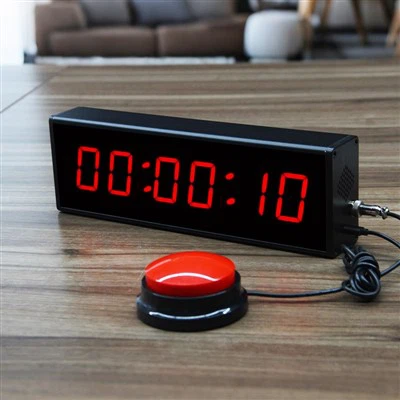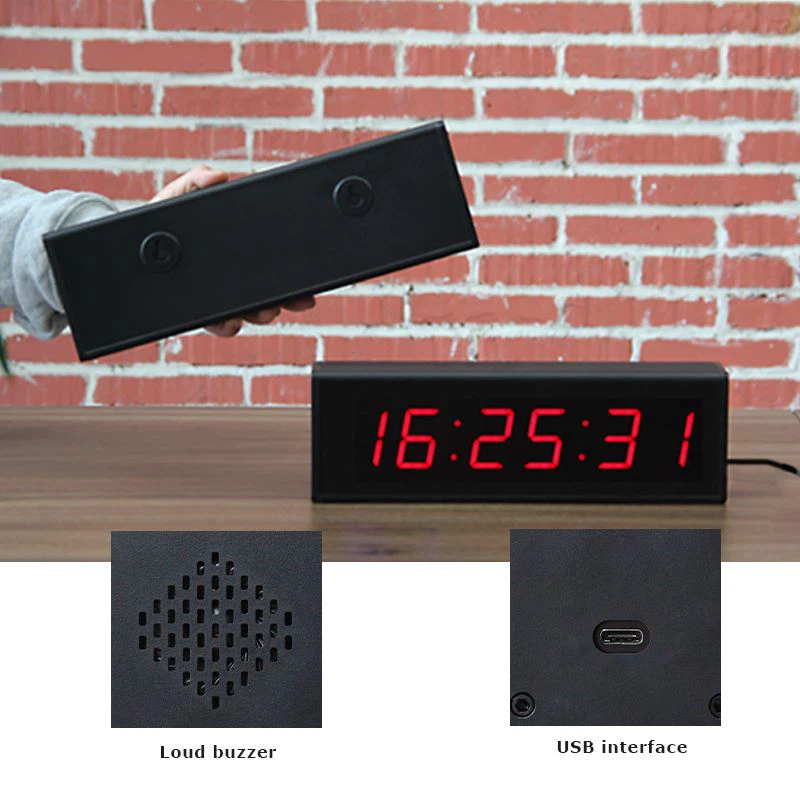

step 1
Press the "button" button on the top of the stopwatch to switch back and forth between three modes. The first is the "stopwatch timing" mode. You can start and stop the stopwatch timer anytime and anywhere. The second is the daily "time" mode, where you can view the current time, and you can also calibrate it yourself. The third mode is the "alarm" mode. The alarm means that the stopwatch automatically sounds when the time is up. You can set the reminder time in the stopwatch.
Step 2
In the "Stopwatch Timing" mode, press the "Start/Stop" button on the upper right side of the stopwatch to start the stopwatch timing. Pressing this button again will stop the stopwatch timer at the moment you press it. If Press the button again and the timer will start from this point. If you want to restart, you must first press the button on the upper right side to pause the stopwatch. Press the button on the upper left side of the stopwatch. The stopwatch time will be reset to 0 and reset to 0 to start timing.
Step 3
In the "Stopwatch Display Time" mode, press the "Reset" button to change the daily time of the stopwatch by yourself. Just like the previous electronic watches, the part where you change the time number will start to flash. Press the "Start/Stop" button to increase the time you time number, then press the "C" button to move to the next number, and when the time is correct, press the "Mode" button to confirm.
Step 4
To set the alarm, press the "Reset" button in the "Alarm" mode of the stopwatch timer. Press the "Start/Stop" button to increase the hours, then press the "Reset" button of the stopwatch again to move to the minutes. Press Stopwatch Start/Stop again to add minutes. After setting the stopwatch alarm, press "Mode" to save, and press "Reset" and "Start/Stop" simultaneously to completely turn off the stopwatch alarm.