

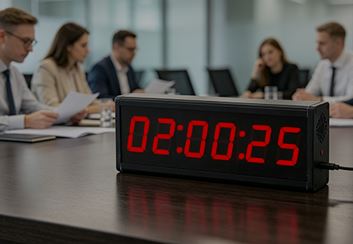




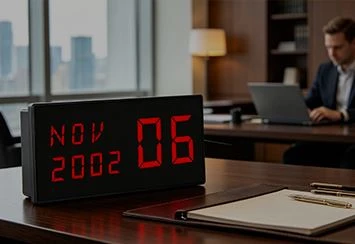

Hey there! As a supplier of word clocks, I totally get the frustration when your trusty word clock decides to act up. In this blog, I'll walk you through some common issues and how to troubleshoot a word clock that's not working.
Check the Power Source
The first thing you gotta do is make sure your word clock is getting power. Sounds simple, right? But it's often the root cause of many problems. If your clock is battery - operated, check the batteries. Sometimes, the batteries might be dead or inserted incorrectly. Remove the batteries, give them a quick inspection. If they look corroded, clean the battery contacts with a dry cloth. Then, insert fresh batteries the right way.
If your word clock is plugged into an electrical outlet, check if the power cord is securely plugged in. You can also try plugging it into a different outlet to see if that solves the problem. A faulty outlet could be the culprit. And don't forget to check if there's a power switch on the clock itself. Sometimes, it might have been accidentally turned off.
Examine the Display
If the clock isn't showing the right time or the display is dim or flickering, it could be a display issue. First, check if there's any dirt or dust on the display. Use a soft, dry cloth to gently clean the screen. Avoid using harsh chemicals as they could damage the display.
If cleaning doesn't work, the problem might be with the internal components. Some word clocks have adjustable brightness settings. Look for a button or a control on the clock to adjust the brightness. If you can't find any controls, check the user manual. It should have instructions on how to adjust the display settings.
Look for Software Glitches
Just like any other electronic device, word clocks can experience software glitches. If your clock is acting erratically, try resetting it. Most word clocks have a reset button. It's usually a small hole on the back or bottom of the clock. Use a paperclip or a small pin to press the reset button. This will restore the clock to its default settings.
After resetting, you'll need to set the time again. Follow the instructions in the user manual to set the correct time, date, and any other settings you want.
Check for Hardware Damage
Inspect the clock for any visible signs of damage. Look for cracks in the case, loose wires, or any other physical damage. If you find any damage, it might be best to contact the manufacturer or a professional repair service. But if the damage is minor, like a loose wire, you might be able to fix it yourself. Just make sure you're comfortable working with electronics and follow proper safety precautions.

Connectivity Issues (if applicable)
Some word clocks can be connected to a Wi - Fi network or a smartphone app. If your clock has connectivity features and isn't working properly, check the connection. Make sure your Wi - Fi network is working and that the clock is connected to the right network. You might need to re - enter the Wi - Fi password or follow the setup instructions again.
If the clock is connected to a smartphone app, make sure the app is up - to - date. Sometimes, an outdated app can cause connectivity issues. You can update the app from your app store.
Other Useful Products
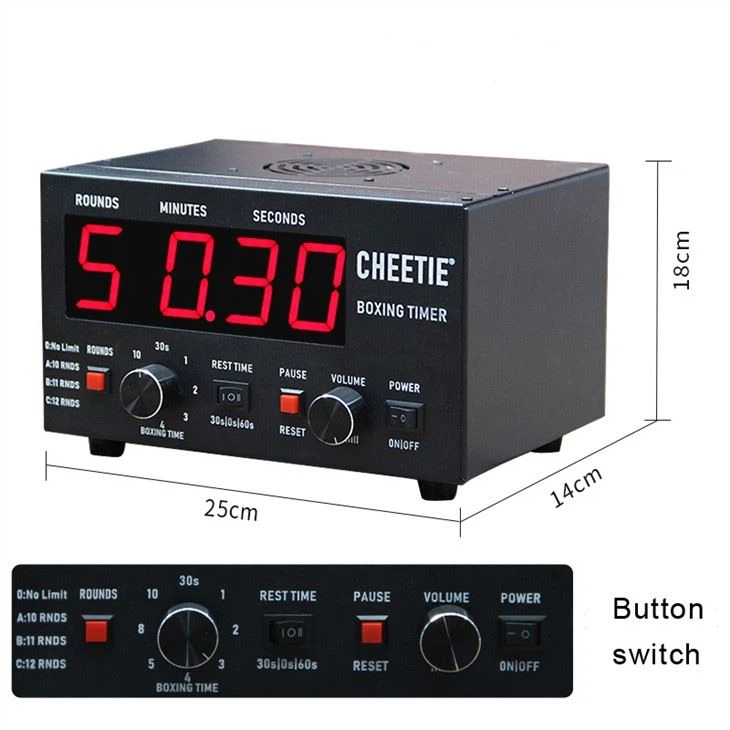
If you're into sports and need some timing devices, we also offer some great products. For example, the Boxing Round Timer High Precision Digital Display for Gym Combat Sports is perfect for gym workouts and combat sports. It has a high - precision digital display that can accurately time your rounds.
Another useful product is the 2 Digit Countdown Timer Display. This timer is great for various applications where you need a simple and accurate countdown.
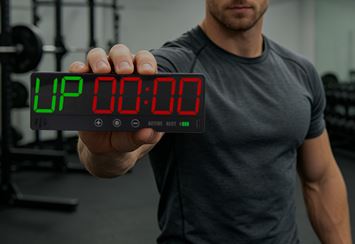
And if you're into climbing, the Climbing Led Training Timer With Start Stop Button is a must - have. It allows you to easily time your climbing sessions with its start and stop button.
Conclusion
Troubleshooting a word clock that's not working can be a bit of a headache, but by following these steps, you should be able to figure out the problem. If you're still having issues after trying all these steps, don't hesitate to reach out to us. We're here to help you get your word clock up and running again.
If you're interested in purchasing a word clock or any of our other products, we're open for business. Whether you're a retailer looking to stock our products or an individual in need of a great timing device, we're ready to have a chat about your requirements. Let's start a conversation and see how we can meet your needs.
References
- General knowledge of electronics troubleshooting
- User manuals of word clocks and related products


